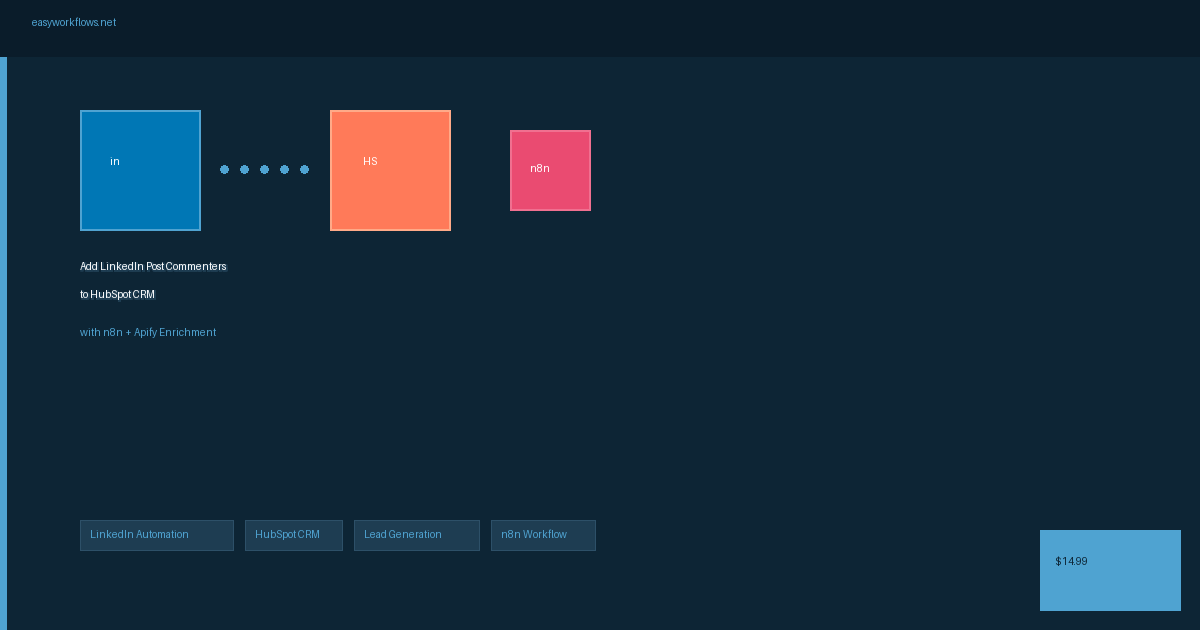
Add LinkedIn Post Commenters to HubSpot CRM with n8n

Every time someone comments on your LinkedIn post, this n8n workflow captures their profile details and pushes them straight into HubSpot CRM as a new or updated contact. It turns engagement on your posts into trackable leads without manual copying, so sales and marketing teams can follow up while interest is still warm.

Delivered as an instant download with the ready-to-import n8n workflow JSON and a step-by-step setup guide.
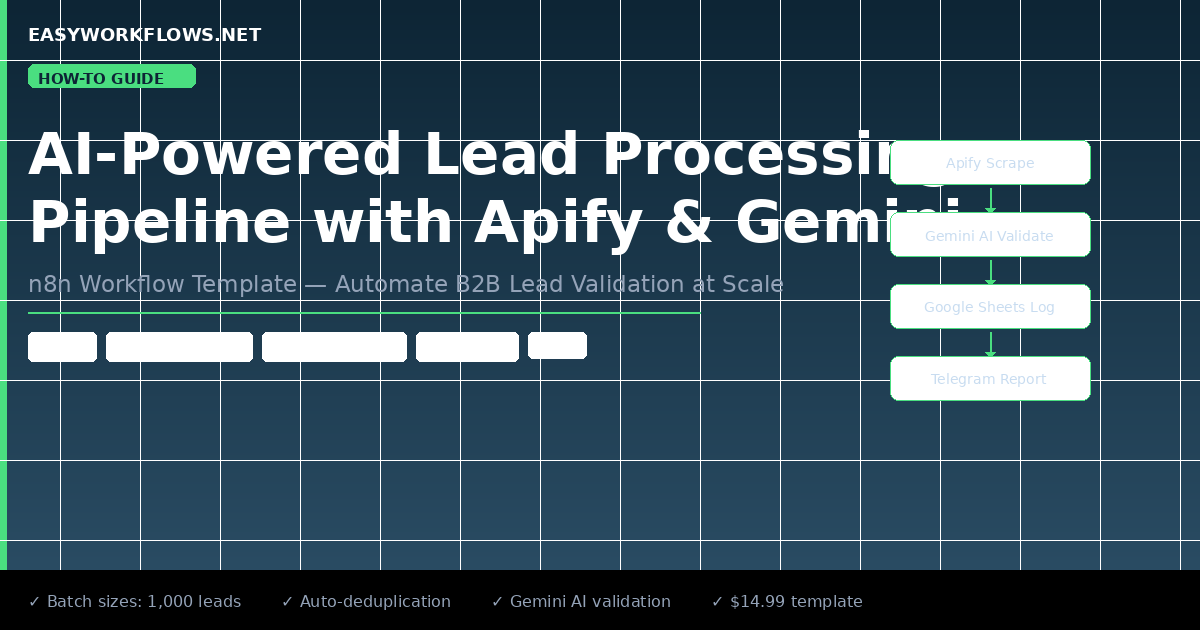
AI Lead Processing Pipeline: Apify + Gemini + Google Sheets (n8n Template)

Lead lists from web scraping usually land as messy rows that need manual cleanup before anyone can act on them. This n8n workflow connects Apify, Google Gemini, and Google Sheets to scrape prospects, enrich and qualify each lead with AI, then write the structured results straight to your sheet. It suits agencies, sales teams, and solo founders who want a hands off way to build cleaner lead lists.

Delivered as an instant download with the ready-to-import n8n workflow JSON and a step-by-step setup guide.
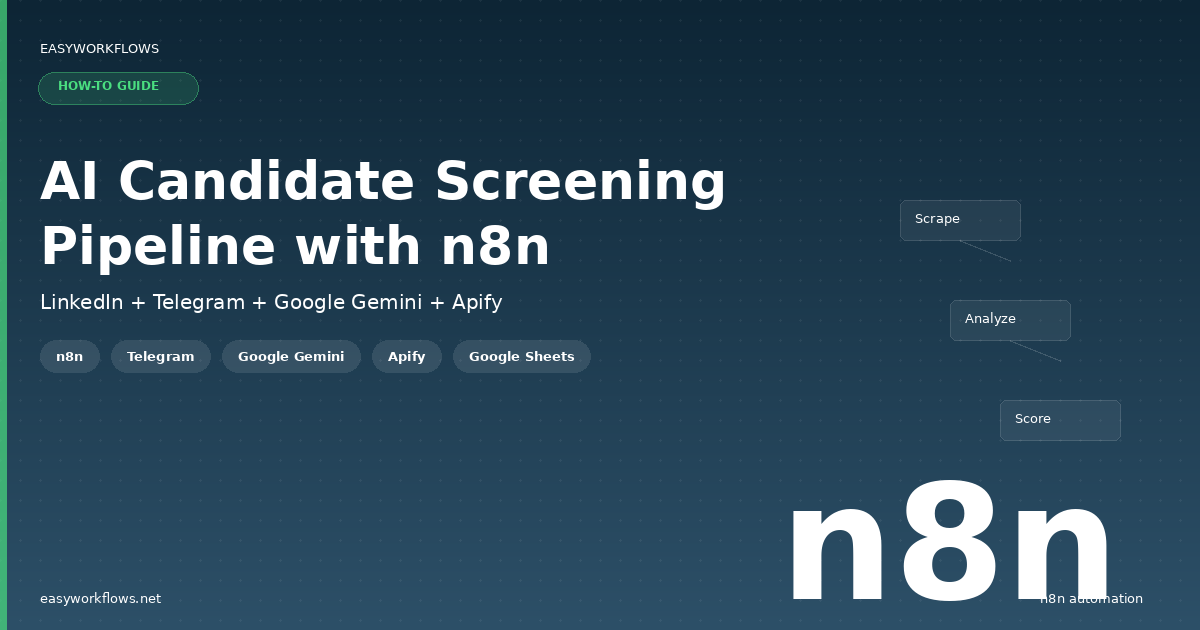
AI Candidate Screening Pipeline: LinkedIn to Telegram with Gemini & Apify

Sourcing and reviewing applicants by hand eats hours that recruiters rarely have. This workflow uses Apify to pull candidate profiles from LinkedIn, scores and summarizes them with Google Gemini against your criteria, then pushes the shortlist straight to Telegram. It gives recruiters and hiring teams a faster way to surface strong candidates without manually combing through every profile.

Delivered as an instant download with the ready-to-import n8n workflow JSON and a step-by-step setup guide.
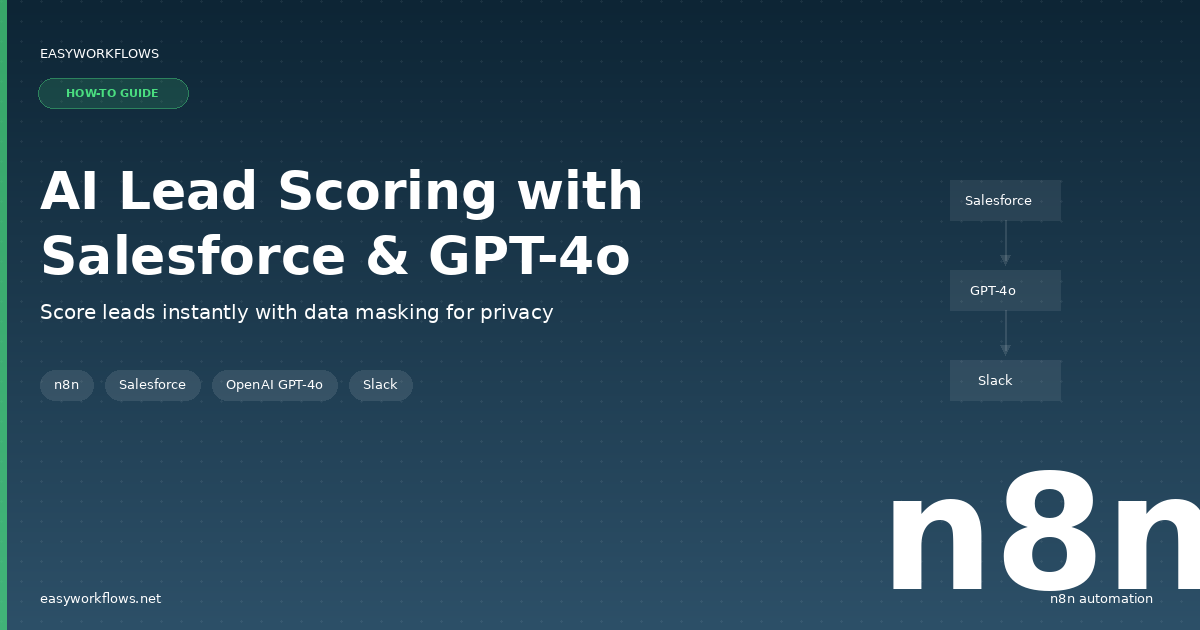
AI-Powered Lead Scoring with Salesforce, GPT-4o, and Slack

Stop guessing which leads your team should call first. This workflow pulls new leads from Salesforce, uses GPT-4o to score and rank them based on fit and intent, then pushes the hottest prospects straight to Slack so reps act fast. Useful for sales teams that want prioritization to happen automatically instead of by hand.

Delivered as an instant download with the ready-to-import n8n workflow JSON and a step-by-step setup guide.
AI-Powered Zoho CRM Lead Assistant (n8n Workflow Template)

This n8n workflow connects your incoming leads to Zoho CRM and uses an AI model to score, qualify, and draft personalized responses automatically. Instead of manually sorting every new contact, sales teams get enriched, prioritized records the moment a lead arrives. Import the template, connect your Zoho account, and let the assistant handle the first-touch work.

Delivered as an instant download with the ready-to-import n8n workflow JSON and a step-by-step setup guide.
LinkedIn Post Commenters to HubSpot CRM with Apify Enrichment

Turn engagement on your LinkedIn posts into real sales pipeline. This workflow pulls everyone who comments on your posts, uses Apify to enrich each profile with details like job title and company, then pushes them straight into HubSpot CRM as contacts. It saves sales and marketing teams the manual work of chasing leads and keeps your CRM filled with warm, ready-to-reach prospects.

Delivered as an instant download with the ready-to-import n8n workflow JSON and a step-by-step setup guide.
Auto-Create HubSpot Contacts from Typeform Submissions with n8n

Every new Typeform submission is pushed straight into HubSpot as a contact, so leads stop sitting in form responses waiting for manual copy and paste. This n8n workflow listens for completed Typeform entries and maps the answers to the right HubSpot contact fields automatically. It suits sales and marketing teams who want fresh leads in their CRM the moment someone fills out the form.

Delivered as an instant download with the ready-to-import n8n workflow JSON and a step-by-step setup guide.

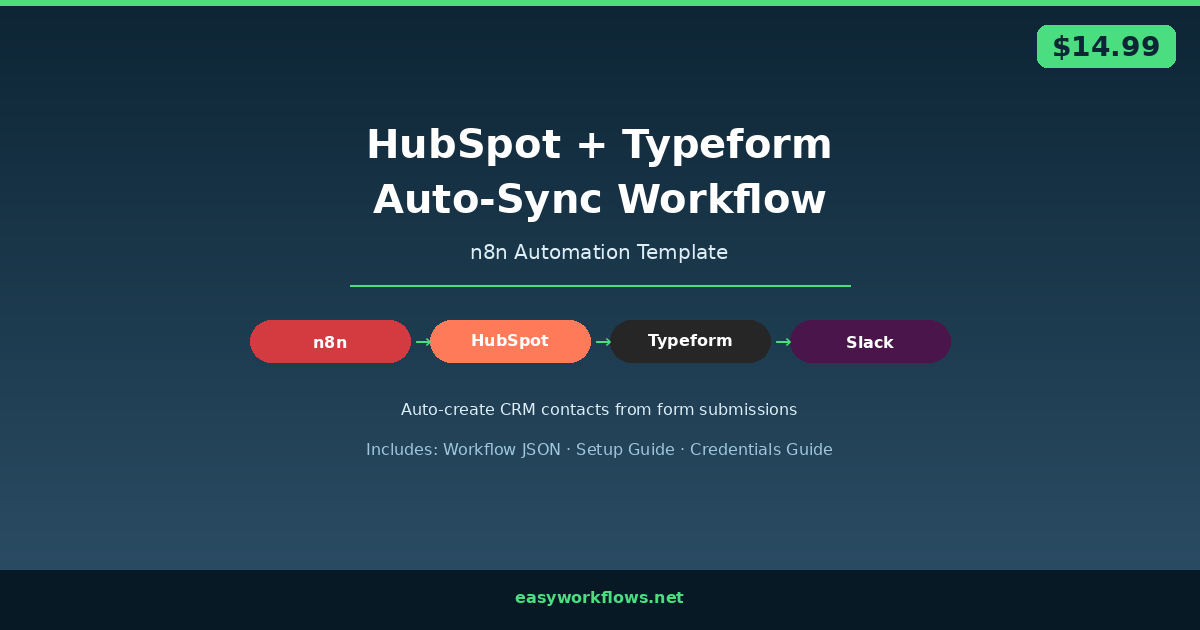
HubSpot + Typeform Auto-Sync Workflow

Automatically create or update HubSpot CRM contacts every time someone submits your Typeform. This n8n workflow handles deduplication, field mapping, and Slack notifications, with zero manual data entry required. Includes ready-to-import JSON template, step-by-step setup guide, and credentials guide.